
Revive Your Silent (or Screaming) PC Fans!

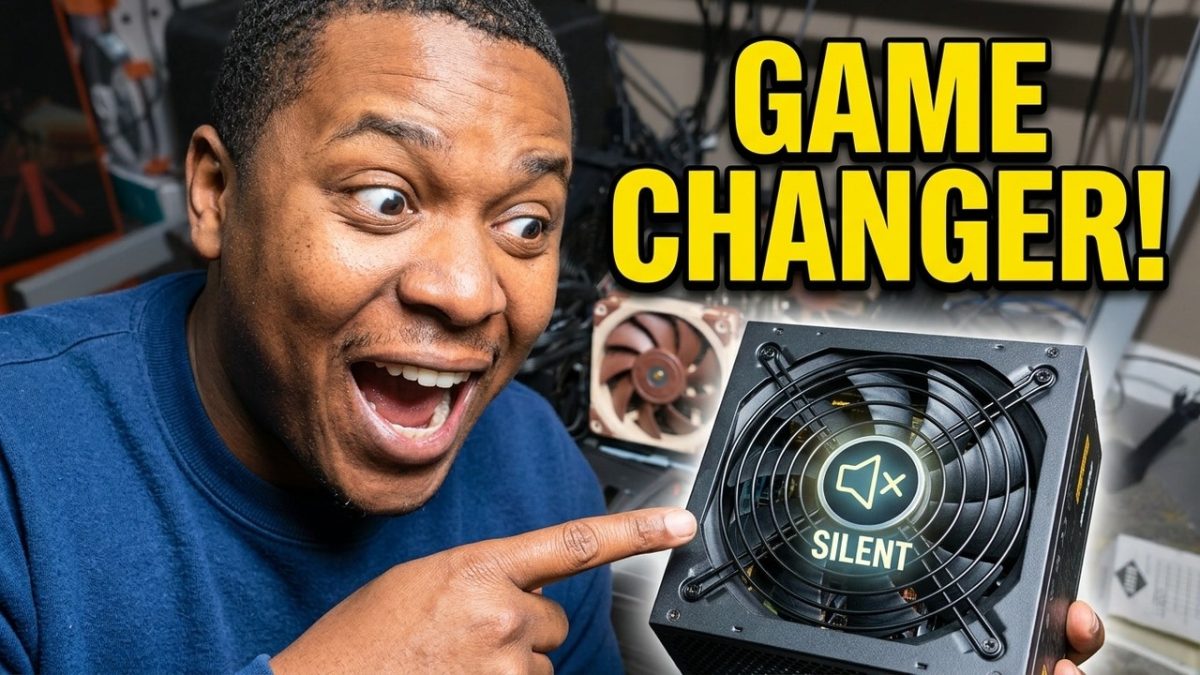
Is your computer sounding like a jet engine, or worse—did a fan stop spinning entirely? Before you toss it in the trash and buy a replacement, watch this. Most PC and PSU fans use a sleeve bearing that eventually dries out, but a single drop of oil can often bring them back to life.
In this video, I’ll walk you through the step-by-step process of opening, cleaning, and re-lubricating your fans to make your rig whisper-quiet again.
⚠️ A Quick Note on Safety:
Power Supplies (PSUs) contain large capacitors that can hold a lethal electrical charge even when unplugged. If you are uncomfortable working inside a PSU, please stick to case and CPU fans!
[00:00] Introduction: Overview of the noisy fan issue, specifically focusing on the power supply unit (PSU) fan.
[00:19] Safety First: Powering down the PC, switching off the PSU, and unplugging cables to ensure safety.
[00:46] Removing the PSU: Unscrewing and sliding out the power supply unit from the computer case.
[01:43] Accessing the Fan: Disassembling the PSU grill and bracket to reach the fan inside.
[03:07] Cleaning and Prepping: Blowing out dust from the components and removing the center sticker on the fan to reveal the bearing.
[03:36] Oiling the Fan: Applying a small dab of machine oil into the bearing reservoir and letting it settle for 15 minutes.
[04:37] Reassembly: Putting the fan, bracket, and grill back together, ensuring all screws are flush.
[05:42] Reinstalling the PSU: Sliding the power supply back into the case and securing it with screws.
[06:43] Testing: Plugging the system back in and powering it up to confirm the fan is running quietly.
If you need help schedule some time with me https://calendar.app.google/EWy8C2iZMMGn2kbZ7
Support the channel by using this link to buy from Amazon: https://geni.us/NHVyeT (amazon)
Try Amazon Prime FREE for 30 Days: https://geni.us/NWAd (amazon)
Check out my storefront https://www.amazon.com/shop/hindsight101
If you feel like this video helped you, consider buying me a cup of coffee?
https://www.buymeacoffee.com/Hindsight101
Gear I use for videos: https://kit.co/Hindsight101
~~~~~~~~~~~~~~~~~~~~~~~~~~~~~~~~~~~~~~~~~~~~~~~~~~~~~~~
Channel description:
“I wish I would‘ve known that earlier!”? My channel tackles those “should’ve knowns” with topics ranging from buying a new TV, workplace fashion, leasing a car, and much more. This is an open forum where you can ask questions and hopefully learn from both my personal experiences and the experiences I’ve shared with the people in my circle. Be sure to check out my new videos, posted twice monthly – at the beginning and middle of each month!
I may earn a small commission for my endorsement, recommendation, testimonial, and/or link to any products or services from this website. As an Amazon Associate, I earn from qualifying purchases. Your purchase helps support content made for this channel.
SEND ME MAIL AND STUFF
Hindsight 101
5801 Postal Rd 81689
Cleveland, OH 44181
Derrick@hindsight101.com
All Rights Reserved.
Copyright, Liability Waiver and Disclaimers
As per and unless otherwise permitted under the United States Copyright Act, no part of the content of this video or any video published under Hindsight 101 LLC shall be stored, copied, recreated, republished, or transported. Prior express written permission by Hindsight 101 LLC is required for any use of this video not permitted under the United States Copyright Act.
Disclaimer: Due to factors beyond the control of Hindsight 101, I cannot guarantee against improper use or unauthorized modifications of this information. Hindsight 101 assumes no liability for property damage or injury incurred as a result of any of the information contained in this video. Use this information at your own risk. Hindsight 101 recommends safe practices when working on machines and or with tools seen or implied in this video. Due to factors beyond the control of Hindsight 101 LLC, no information contained in this video shall create any expressed or implied warranty or guarantee of any particular result. Any injury, damage, or loss that may result from improper use of these tools, equipment, or from the information contained in this video is the sole responsibility of the user and not Hindsight 101 LLC.